Migrate Saves to Noobs in Combat V6
Lobby wait on V5.10, then join the new place after the ownership move.
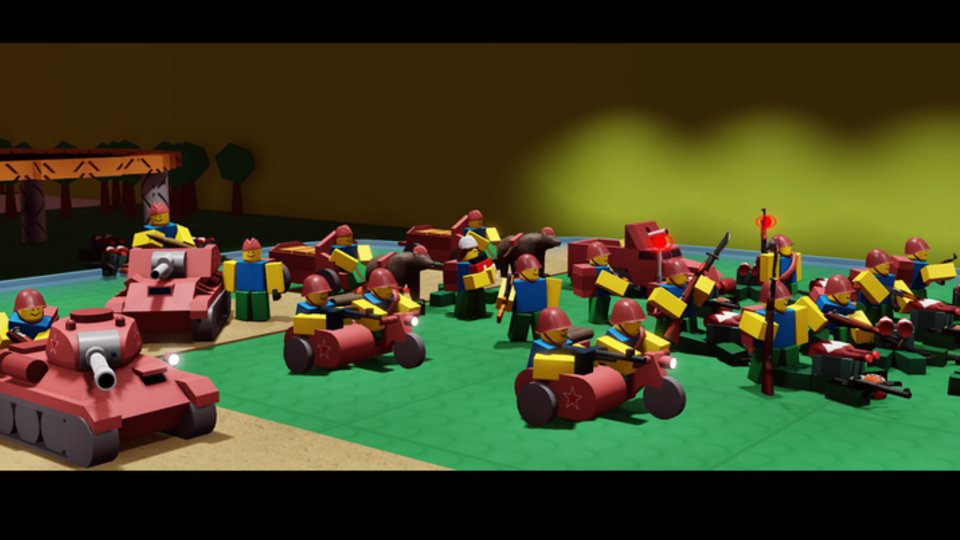
Why there are two Noobs in Combat places
When Noobs in Combat shipped the V6 generation, the live game moved to a new Roblox experience under an ownership/group change (community docs describe the handoff from the long-running Scuffed projects era toward Scuffed developments / Vulcan stewardship). The legacy page stayed on V5.10 as a migration bridge and retirement candidate. Searching the title alone can surface the wrong place—always verify IDs.
| Role | Place ID | Notes |
|---|---|---|
| Legacy V5.10 bridge | 5734383673 | Frozen on V5.10; used to prepare save download |
| Live V6.x home | 94675483044457 | Current Noobs in Combat (V6.0 → V6.1.x) |
Universe IDs differ as well; bookmarks and private server tools should target the new place going forward. This wiki’s site play link points at the live experience.
Official migration steps (do these in order)
1) Open the legacy V5.10 experience
Launch place 5734383673 (the page may be titled like a move notice such as “Game Moved — check description”). Read the description: it should state that V5.10 will no longer be updated and will be retired soon, and it should link to the V6 game.
2) Join and wait in the V5.10 lobby
Enter the lobby and wait a few seconds. Developer text is explicit: the server needs that short window to download / prepare your data for transfer. Do not instant-leave. AFK for a brief moment even if you already know the new link.
3) Join V6 through the official link
Use the link from the old page (or go directly to place 94675483044457) and join the live V6 experience. Completing this step finishes migration for currency, units, skins, and map clears on top of progress already present on the new place, per patch messaging around the V6 launch.
4) Verify before you grind
In V6, confirm:
- Research unlocks and tech tree progress
- Skin ownership (American default plus purchased themes)
- Gem / nugget / point balances you care about
- Campaign clear markers you expect
Only after verification should you spend gems on Skins or re-buy research you already owned.
Ownership change in plain language
V6 is not only a content patch—it is also a new home experience after ownership moved. That is why Roblox shows a different creator label and a fresh place ID with a smaller visit counter than the 200M+ legacy page. Functionally you are still playing Noobs in Combat; administratively the live product lives on 94675483044457.
Old friends list links, outdated YouTube descriptions, and third-party “play” buttons may still deep-link V5.10. Teach your group the new ID. Hub pages on this wiki (Updates, Changelog) assume the V6.1 ruleset.
What migrates vs what to double-check
Launch notes described an offer to bring currency, units, skins, and map clears across. That is the intended package. Still verify:
- Loadout presets (rebuild if the UI overhaul reset favorite slots)
- Settings toggles (captured-building skin recolor, confirm-move, etc.)
- Private server configurations pointed at the old place
- Any third-party overlays that cached the legacy universe
We do not invent guarantees beyond published messaging. If something is missing after a correct lobby wait, gather account details and ask on the official Discord rather than rebuying panic unlocks.
Timing: finish while V5.10 still exists
The legacy page states V5.10 will be retired soon without always publishing a hard countdown in the public blurb. Treat “soon” as urgency: complete the lobby step while the bridge place still accepts joins. Once it is gone, late migrants may need manual support channels—and those are never as fast as a three-minute lobby wait today.
After migration — play on V6.1 features
Once settled on the new place you get the V6 generation content tracked on the Changelog: UI overhaul, Troopers/Marksmen/Combat Engineer lines, helicopters, Wheeled IFV, then V6.1’s Tank hunter, Heavy AT Gun, SAM battery, Australia skin, French infantry overhaul, and AA slot moves.
Relearn deckbuilding with the Loadout Planner, refresh unit roles on Units, and re-check Infantry / Vehicles tiers because slot rules shifted.
Troubleshooting checklist
- Joined V6 first, progress looks empty: go back to V5.10, wait in lobby, rejoin V6.
- Wrong game in search: match place ID digits, do not trust title-only results.
- Data partially present: note exactly what is missing; avoid spending duplicate gems until support answers.
- Friends on old servers: share 94675483044457 explicitly.
- Scripts / exploits “migration tools”: ignore them—see safety notes on Scripts and never hand account access to strangers.
Related reading
- Changelog — what changed after you arrive
- Getting Started — refresh controls on the new UI
- Codes — claim only on the live place
- Updates Hub
Migration is a one-time chore. Do the lobby wait carefully once, bookmark the new place, and return to actually commanding Grunts and Battle Tanks.
Frequently Asked Questions
Quick answers to the most common questions.
What is the correct V6 place ID?
The live V6.x experience is place 94675483044457. The legacy V5.10 bridge used for migration is place 5734383673.
Do I really need to wait in the V5.10 lobby?
Yes. Official instructions say to join V5.10 and wait a few seconds so the server can download your data before you complete migration on V6.
Why did the creator name change?
V6 launched alongside an ownership move to a new experience/group labeling (Scuffed developments era). The old page remains as a migration and retirement bridge.
Will V5.10 stay online forever?
No. Public notices say V5.10 will no longer be updated and will be retired soon. Migrate while the lobby step still works.